
mcp-router
A Unified MCP Server Management App (MCP Manager).
Links
README
From the repo.
End of support — September 18, 2026. Development, support and security updates have ended. Cloud services and billing have stopped. v0.6.4 is the final desktop release for existing users; local features remain available. New adoption is not recommended. End-of-support and migration guide.
The material below describes the historical product. Cloud features are no longer available.
MCP Router
A Unified MCP Server Management App


-@mcp__router-1DA1F2?style=flat&logo=x)
🎯 Overview
MCP Router is a desktop application for simplifies the management of Model Context Protocol (MCP) servers.
✨ Key Features
- 🌐 Universal — Connect to any MCP server
- Remote or local servers
- Supports DXT, JSON, Manual
- 🖥️ Cross-platform — Windows and macOS
- 🗂 Context Management — Keep growing MCP server contexts organized
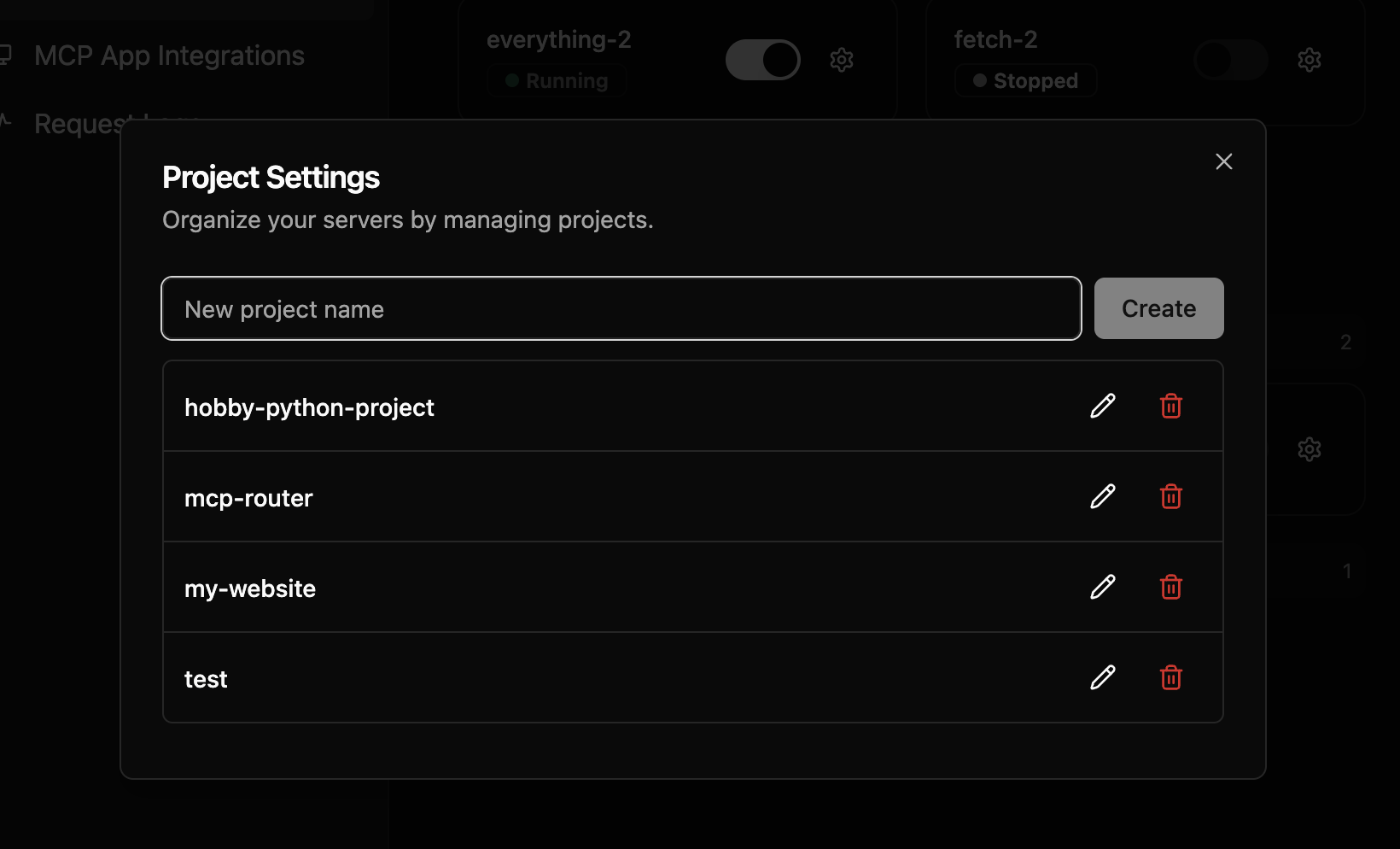
- Group MCP servers into Projects
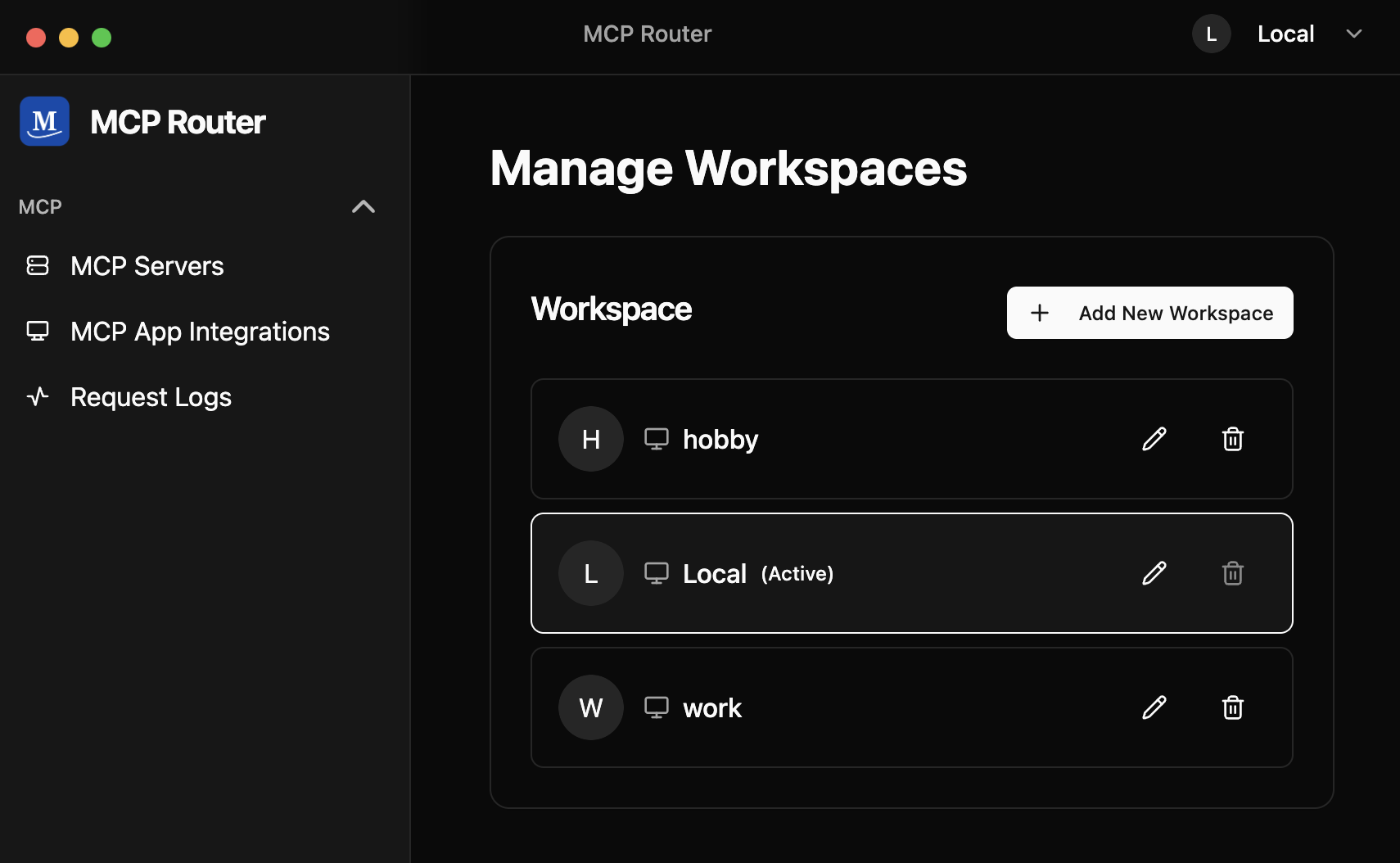
- Manage modes with Workspaces (like browser profiles)
- Toggle tools on/off per server
🔒 Privacy & Security
Your Data Stays Local
- ✅ All data is stored locally - Request logs, configurations, and server data remain on your device
- ✅ Credentials are secure - API keys and authentication credentials are stored locally and never transmitted externally
- ✅ Complete control - You have full control over your MCP server connections and data
Transparency
- 🔍 Auditable - The desktop application source code is publicly available on GitHub
- 🛡️ Verifiable privacy - You can verify that your data stays local by examining the application code
- 🤝 Community-driven - Security improvements and audits are welcomed from the community
📥 Installation
Download from our releases page.
After setting up MCP Router, you can connect to MCP Router using the CLI:
# Set your MCP Router token (Issued when adding a custom app)
export MCPR_TOKEN="mcpr_your_token"
# To connect to MCP Router, run:
npx -y @mcp_router/cli connect

# If you want to use project, run:
npx -y @mcp_router/cli connect --project <project-name>
🚀 Features
📊 Centralized Server Management
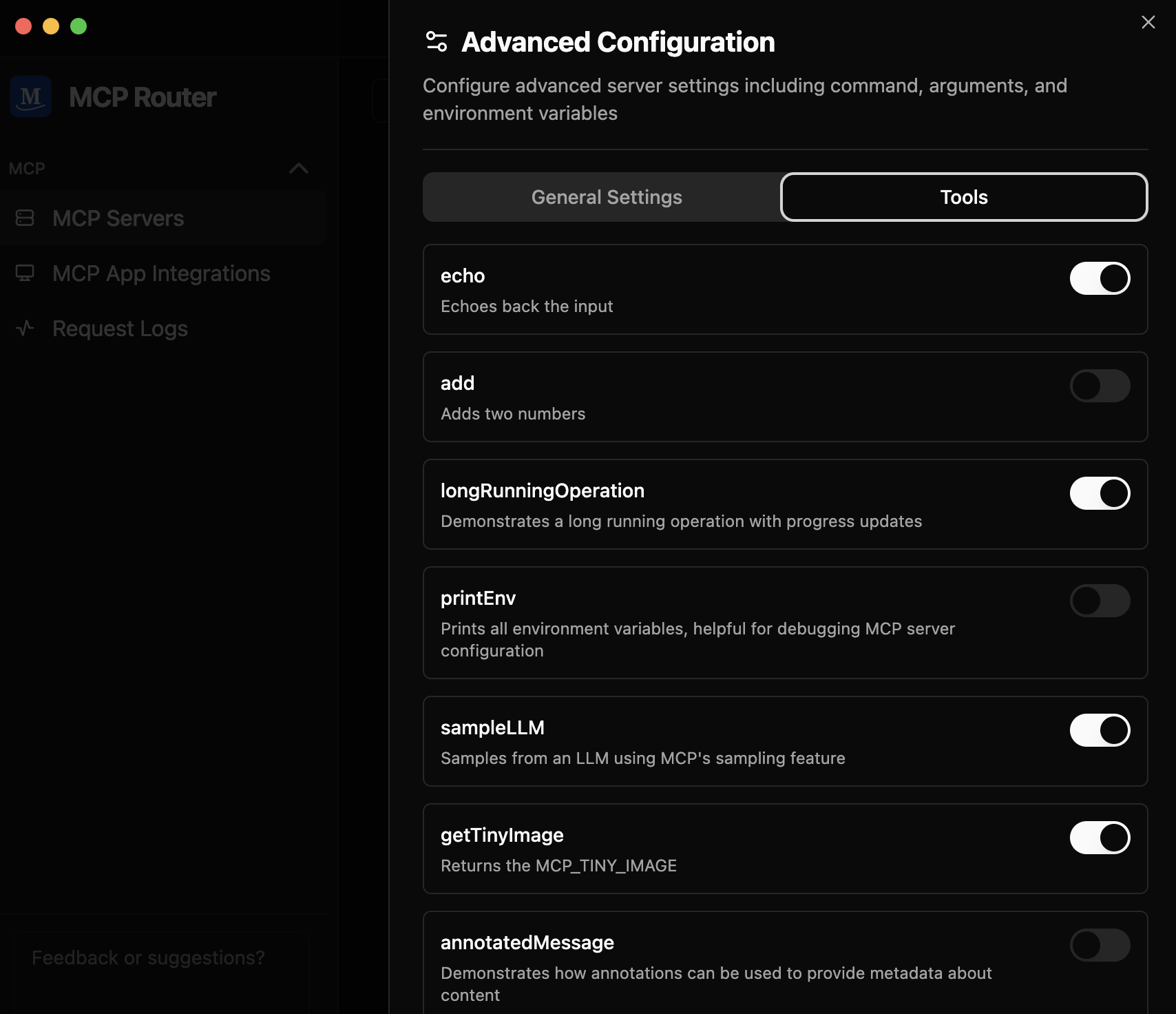
Easily toggle MCP servers on/off, enable/disable individual tools, and organize servers into Projects and Workspaces — all from a single dashboard

🌐 Universal Connectivity
Add and connect to any MCP server with support for both local and remote servers

🔗 One-Click Integration
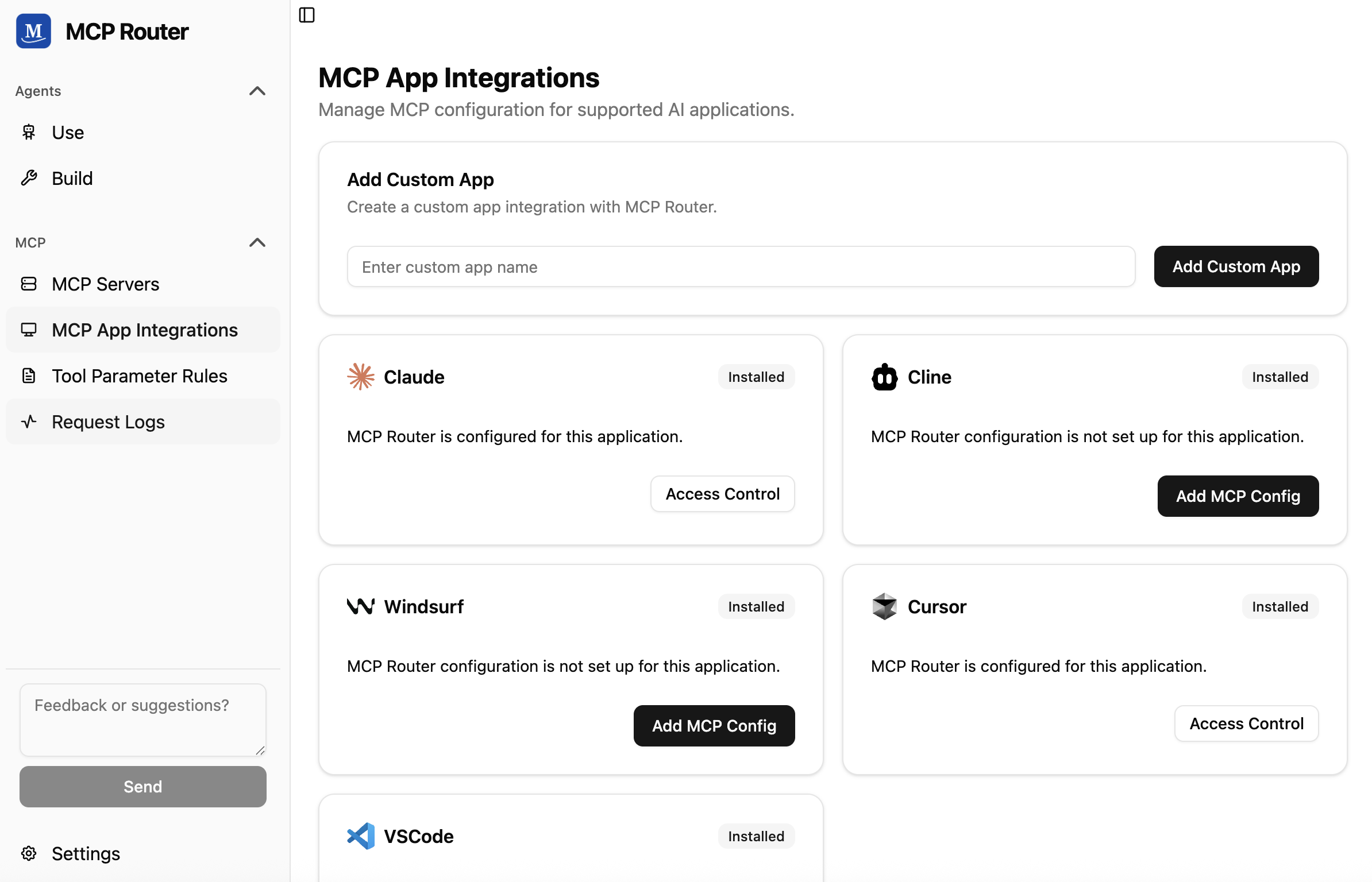
Seamlessly connect with popular AI tools like Claude, Cline, Windsurf, Cursor, or your custom client
📈 Comprehensive Logging & Analytics
Monitor and display detailed request logs

🤝 Community
Join our community to get help, share ideas, and stay updated:
📝 License
This project is licensed under the Sustainable Use License - see the LICENSE.md file for details.
Collected info
- ★ 2,140 stars
- ⎇ 174 forks
- Language: TypeScript
- Source updated: 8/28/2026
Config for your environment
Replace {MCP_ENDPOINT_URL} with this MCP’s endpoint URL (from its repo or docs above). No API key — you connect directly.
Tool
OS
Config file: ~/.cursor/mcp.json
{
  "mcpServers": {
    "mcp-server": {
      "url": "{MCP_ENDPOINT_URL}"
    }
  }
}Paste into mcpServers in the config file. Restart Cursor after saving.
If this MCP is also published on mcpchannel.ai, you can subscribe from Browse and use the gateway config there instead.