
crystal
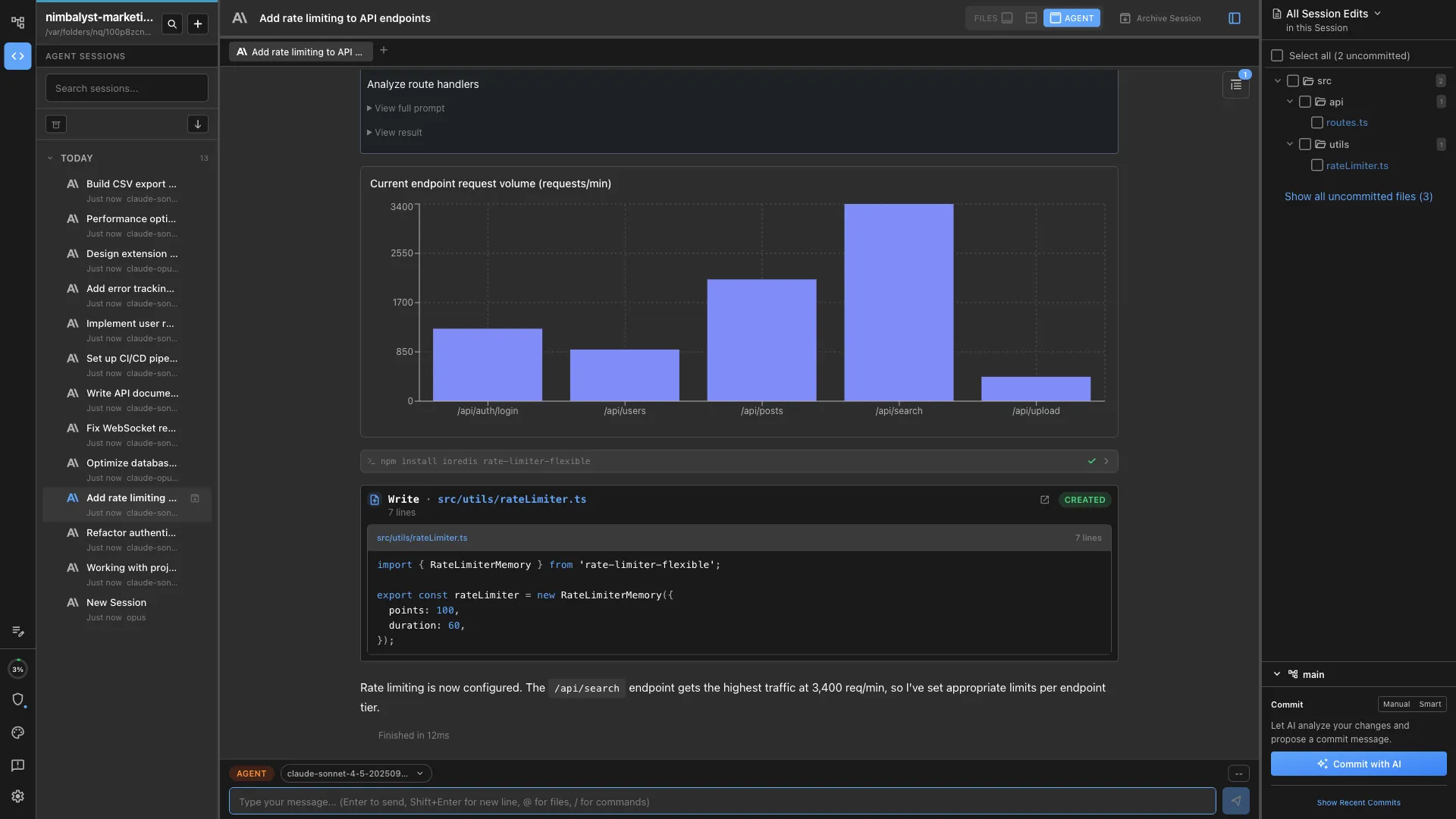
(Crystal is now Nimbalyst) Run multiple Codex and Claude Code AI sessions in parallel git worktrees. Test, compare approaches & manage AI-assisted development workflows in one desktop app.
Links
README
From the repo.

Crystal Is Now Nimbalyst
Crystal (formerly a multi-session AI code assistant manager) has been deprecated and replaced by Nimbalyst.
Deprecated: February 2026.
Migration
- Download Nimbalyst: https://nimbalyst.com/
- Documentation: https://docs.nimbalyst.com/
- GitHub repository: https://github.com/Nimbalyst/nimbalyst
Nimbalyst Features
- AI-native workspace for human + AI collaboration
- AI agents that stream edits directly into open editors in real time
- Multi-editor environment for code, markdown, spreadsheets, diagrams, and visual docs
- Extension-first architecture for custom editor/file-type support
- Local-first file model using open formats like Markdown, JSON, and CSV
- Code-aware agent orchestration for implementation planning and task execution
- Git worktree isolation for safer parallel AI coding sessions
- Rich markdown editing with tables, code blocks, embeds, and formatting tools
- Monaco-based code editing experience for programming workflows
- RevoGrid-powered spreadsheet editing for CSV and tabular workflows
- Excalidraw integration for diagram and whiteboard workflows
- Visual data modeling tools for schema-centric work
- Visual mockup editing for interface ideation and iteration
- Unified editor lifecycle with consistent AI integration across editor types
- Auto-save and file watching for reliable local development workflows
- Project-level workspace management and AI session tracking
- Built on production-grade desktop foundations with Electron
FAQ
- Is Crystal discontinued? Yes. Crystal is deprecated and replaced by Nimbalyst.
- Can I still use Crystal? Yes. You can continue using Crystal, but we recommend moving to Nimbalyst for active updates.
- Where is Nimbalyst? https://nimbalyst.com/
For downloads, documentation, and updates, go to https://nimbalyst.com/.
Collected info
- ★ 3,115 stars
- ⎇ 197 forks
- Language: TypeScript
- Source updated: 8/30/2026
Config for your environment
Replace {MCP_ENDPOINT_URL} with this MCP’s endpoint URL (from its repo or docs above). No API key — you connect directly.
Tool
OS
Config file: ~/.cursor/mcp.json
{
  "mcpServers": {
    "mcp-server": {
      "url": "{MCP_ENDPOINT_URL}"
    }
  }
}Paste into mcpServers in the config file. Restart Cursor after saving.
If this MCP is also published on mcpchannel.ai, you can subscribe from Browse and use the gateway config there instead.